Automating the acquisition of Google SERP (Search Engine Results Page) search results data is equivalent to having firsthand information on user intent, market trends, and competitor dynamics. Whether for SEO monitoring, content strategy optimization, or building intelligent product recommendation systems, Google SERP data is a core resource.
Manual searching and extracting results one by one is obviously too inefficient; writing your own web crawler involves dealing with anti-crawling strategies, IP restrictions, and page structure changes. The good news is that with modern Search Engine Results Page APIs (SERP APIs), especially services like the Search Infra API platform, you can obtain structured, real SERP data with a single line of Python code, without having to handle complex anti-crawling logic yourself.

Below is a technical guide from scratch to help you quickly understand the principles and obtain Google SERP data quickly using Python.
1. What is the SERP API?
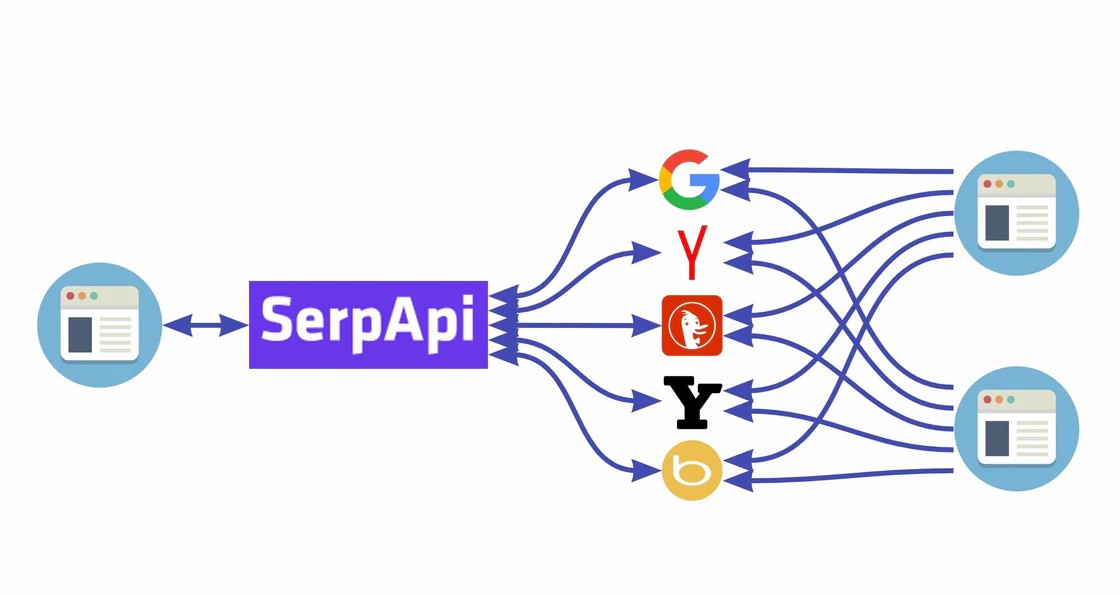
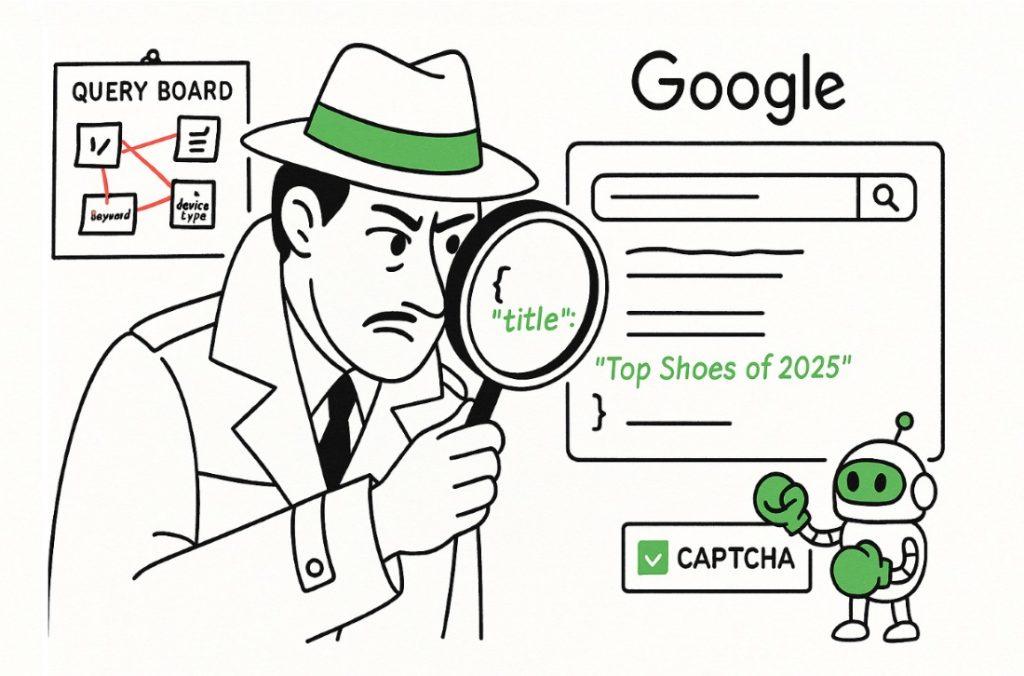
The SERP API is a search engine results page data interface service that returns search results (including titles, links, summaries, ad placements, knowledge graphs, etc.) to the program in structured JSON format, instead of HTML pages. For developers, this means they can obtain clean data programmatically without writing browser simulations, proxy pools, and anti-scraping logic.
Search Infra SERP API platform is a service focused on high-concurrency, low-latency search data fetching. It supports multiple Google search types (traditional web search, images, news, maps, etc.) and returns structured JSON data in real time, making it suitable for large-scale automation applications.
2、Python Example of Obtaining Google SERP Results
The following code example demonstrates how to use Python to call Search Infra's SERP API to obtain Google search results:
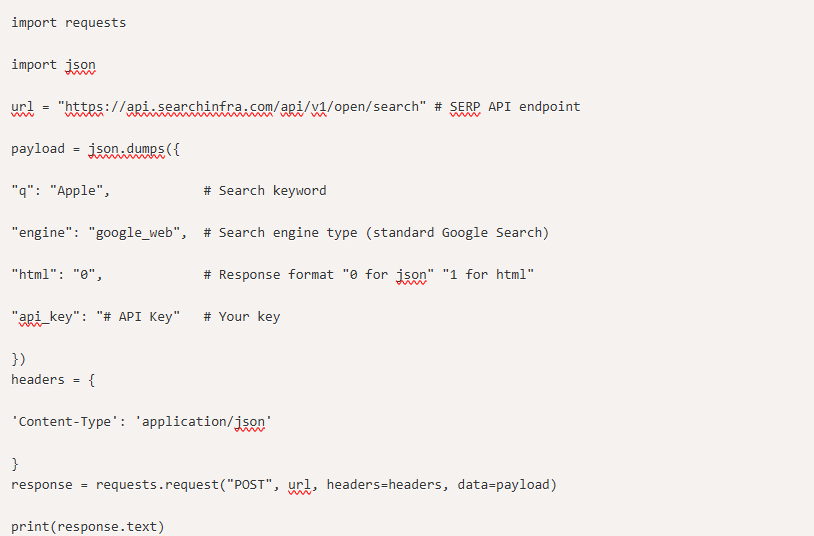
After running, this code will return structured Google SERP data instead of HTML. You can store it in a database, analyze keyword performance, generate reports, or integrate it into a data visualization system.
3、Why choose an API instead of writing your own web crawler?
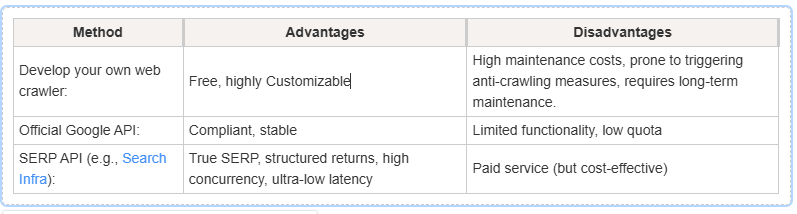
With mature services like Search Infra, you don't need to handle tedious tasks like CAPTCHAs, IP rotation, and HTML parsing yourself. Furthermore, API access results are 100% structured JSON, directly accessible in your Python data pipeline for further analysis.
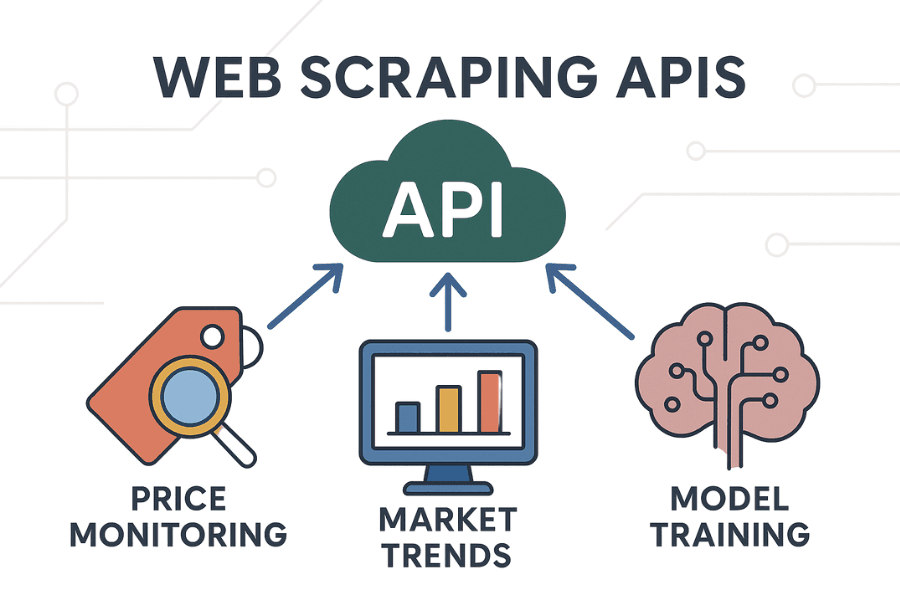
4、These scenarios are best suited for the SERP API:
SEO Ranking Monitoring: Automatically crawl keyword rankings and generate trend reports on a regular basis
Competitor Analysis: Compare competitor keyword performance and landing page strategies
Market Trend Tracking: Analyze trending topics using news and recommended content from search results
Intelligent Product Recommendation System: Improve content models by combining SERP data
If you've ever struggled with "how to automate the acquisition of Google SERP data," then using the Search Infra API is one of the simplest and most reliable solutions. A true production-grade solution isn't about writing crawlers, but about letting a professional API handle the complexities for you, allowing you to focus on data analysis and business insights.

Search Infra
Author
 SERP API
Serp API
Google API
 7-day free trial
Full features unlocked
No credit card needed
7-day free trial
Full features unlocked
No credit card needed
SERP API
Serp API
Google API
